The FinderPress tool directory
WordPress plugin
Browser Address Bar Color
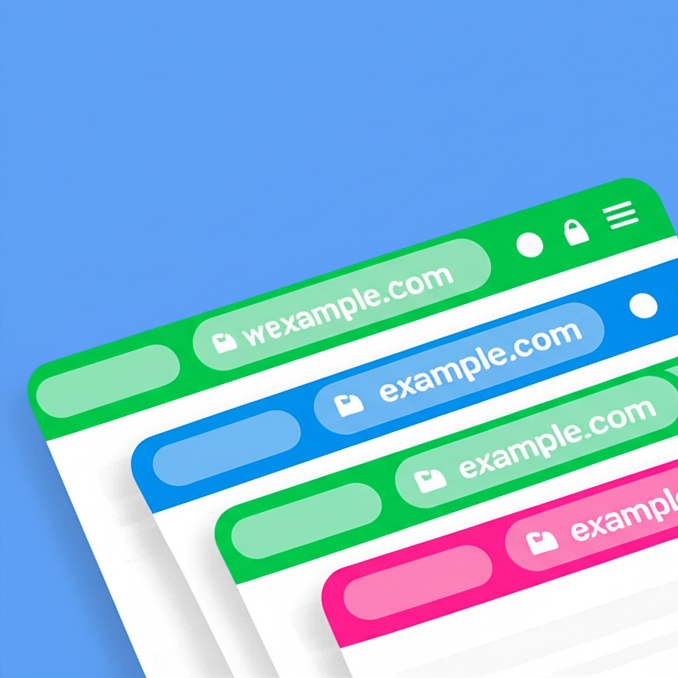
Paint the top address bar of a selected page, you can choose different color for every page. Not supported yet in desktop browsers, Works on Chrome and Samsung Internet mobile browsers Donations
PricingFree downloadThe WordPress.org download is free. Pro versions, add-ons or external services may cost extra.
CompatibilityRequires WordPress 4.6.
SourceWordPress plugins · Nov 4, 2026
01 / Source details
Paint the top address bar of a selected page, you can choose different color for every page.
- Not supported yet in desktop browsers, Works on Chrome and Samsung Internet mobile browsers
Donations
See it in action
Screenshots & previews.
02 / Source details
- 01From your WordPress Dashboard go to ‘Plugins’ > ‘Add new’ and search for ‘Browser Address Bar Color’.
- 02Click ‘Install Now’ under the title of the Browser Address Bar Color Button plugin
- 03Click ‘activate’
- 04In the wordpress menu click the ‘Appearance’ and you will see the new “Address bar color” settings page, there you can activate and manage the pages and the colors.
Or:
- 05Click download in this page and download the “browser-address-bar-color.zip” file
- 06From your WordPress Dashboard go to ‘Plugins’ > ‘Upload plugin’ and select the “browser-address-bar-color.zip” file
- 07Click ‘install’
- 08Click ‘activate’
- 09Activate the plugin through the ‘Plugins’ menu in WordPress
- 10In the wordpress menu click the ‘Appearance’ and you will see the new “Address bar color” settings page, there you can activate and manage the pages and the colors.
Keep exploring




