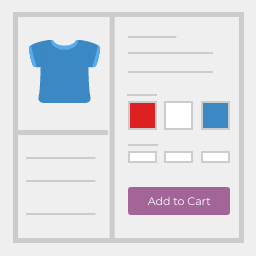
Linked Variation for WooCommerce
Linked products by selected woocommerce attributes, a simple way to handle complex product variation. If you wish to take a look at this plugin how it works then see demo . Core Features Create swap links between separate products in your store. Link different versions of a product together without
Linked products by selected woocommerce attributes, a simple way to handle complex product variation.
If you wish to take a look at this plugin how it works then see demo .
Core Features
- Create swap links between separate products in your store.
- Link different versions of a product together without using variations.
- Shorting variations and able to on/off product image.
To know how to use, visit the website for video documentation .
Screenshots & previews.
- 01It can be installed directly through your WordPress Plugins dashboard.
- 02Click “Add New” and search for “Linked Variation for WooCommerce”
- 03Install and Activate
- 04Go to Product > Woo Linked Variations and “Add New”
- 05Select multiple products to linked together, that’s all
Alternatively, you can download the plugin using the download button on this page and then upload the woocommerce-linked-variations folder to the /wp-content/plugins/ directory then activate through the Plugins dashboard in WordPress
Frequently asked questions.
Does this plugin have a Pro version?
No, It’s completely free!


