Scheduled Sales, Discounts and Omnibus Price History for WooCommerce
Real example: Black Friday + Christmas + January Sale, all scheduled at once Say you sell a t-shirt at 29,99 € and want three sales planned for November and beyond: Edit the product in WooCommerce → find the “Scheduled sale prices” section Add: 19,99 € from Nov 28 to Dec 1 (Black Friday) Add: 30% of
Real example: Black Friday + Christmas + January Sale, all scheduled at once
Say you sell a t-shirt at 29,99 € and want three sales planned for November and beyond:
- 01Edit the product in WooCommerce → find the “Scheduled sale prices” section
- 02Add: 19,99 € from Nov 28 to Dec 1 (Black Friday)
- 03Add: 30% off from Dec 20 to Dec 26 (Christmas)
- 04Add: 12 € off from Jan 5 to Jan 15 (January sale)
- 05Save the product once. Done.
- 06Before anything goes live, the editor tells you what the EU Omnibus rules will see: Christmas at 20,99 € is not lower than the 19,99 € of Black Friday a few weeks before, so it should not be announced as a reduction, and the January sale will be measured against 20,99 €, not 29,99 €.
Every sale can be a fixed price, a percentage off or an amount off, and you see the resulting price before saving. Each sale can start and end at an exact time (hour and minute), so flash sales begin and end right when you plan them, and WordPress cron (configurable down to every 5 minutes) applies each price automatically. No separate campaign screen to learn: everything lives in the product editor you already use.
Scheduled Sales, Discounts and Omnibus Price History for WooCommerce extends WooCommerce’s native sale scheduling by letting you queue up unlimited sale prices per product, each with its own dates, times and discount type. It also handles the prior price the EU Omnibus Directive asks you to show: it checks every scheduled sale before it runs, shows the right prior price on your store, and keeps a price history you can export.
Why this plugin?
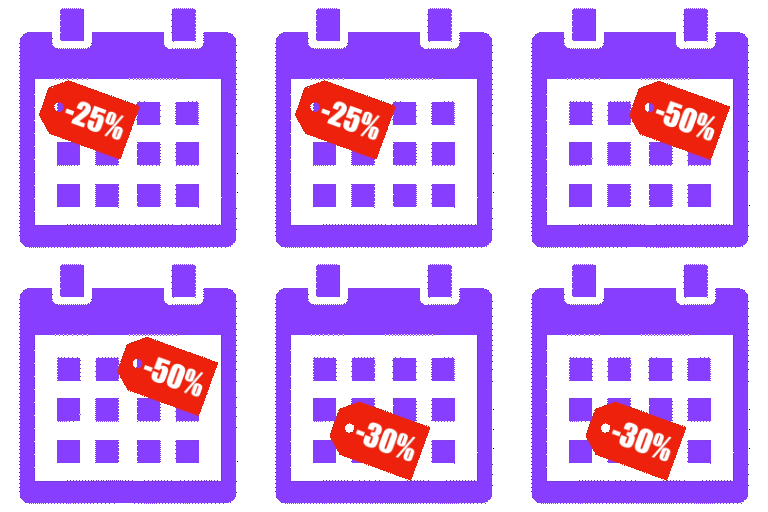
- All-in-one free solution combining: multiple sales per product, percentage and fixed amount discounts, variations support, CSV import/export, activity log, overlap priority, dashboard widget and Command Palette
- EU Omnibus prior price, before and after the sale : the editor warns you while you plan a chain of sales, your store strikes through or shows the right prior price, and the price history tab is your record of which price applied when





